
Import Partners
Partners can be created in batch. Using a csv upload file, you can generate all your partners (carriers, shippers, consignees, providers, ...).
Workflow
download CSV template (link)
enter data
navigate to www.transmate.eu/partners/import
upload file and hit submit
Template
The CSV template can be downloaded here: link). The following fields can be found:
name: name of the partner | required | (e.g. "DSV road")
id: reference id from your ERP | optional
type: either "carrier", "shipper" or "provider" | required | defaults to "carrier"
notes: textual notes | optional|
contact fields:
firstName: contact's first name
lastName: contact's last name
email: contact's email
phone: contact's phone
If you want to upload multiple contacts, you can duplicate the rows for each partner.
Uploading the file
Select the file and hit the upload button.

The file will be uploaded and you are redirected to the import page:
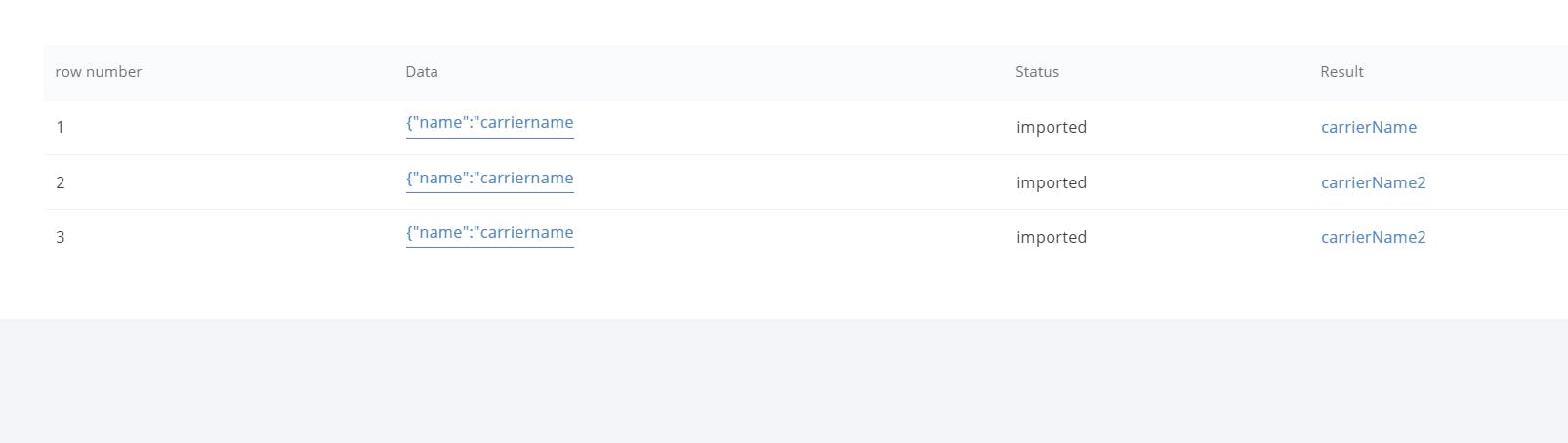
The result tab will show generated partners.
If an error occurred, you can revert the import by clicking revert